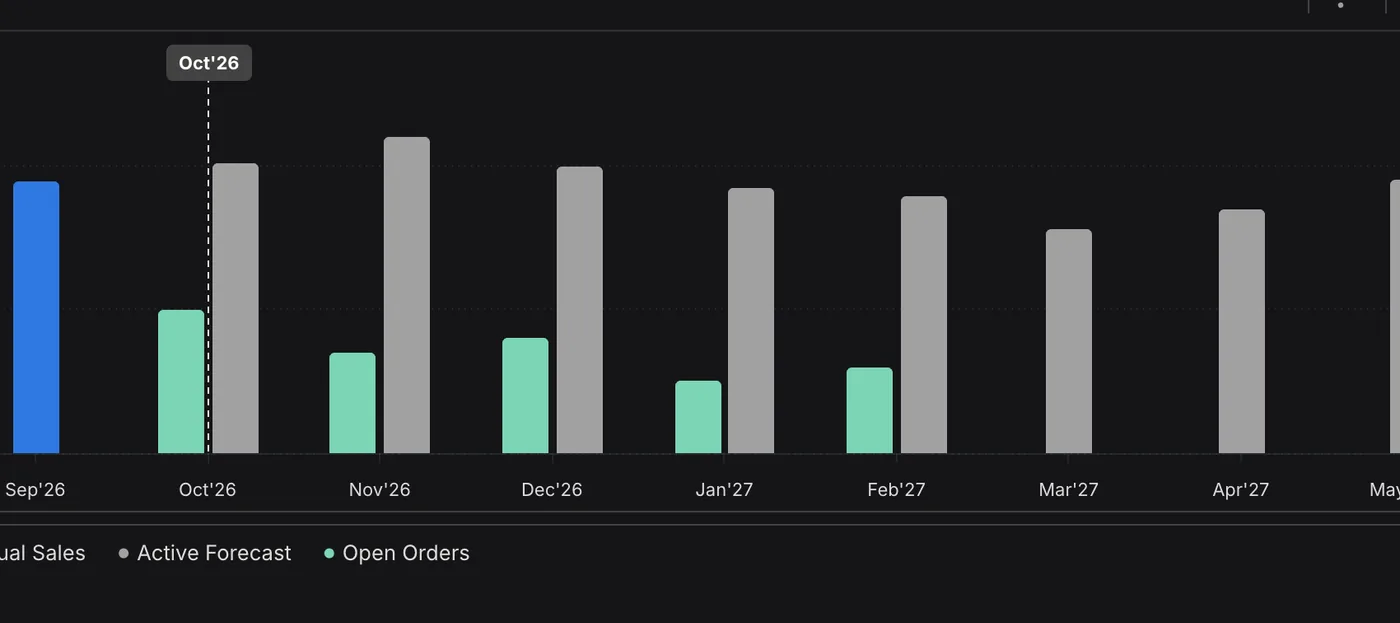
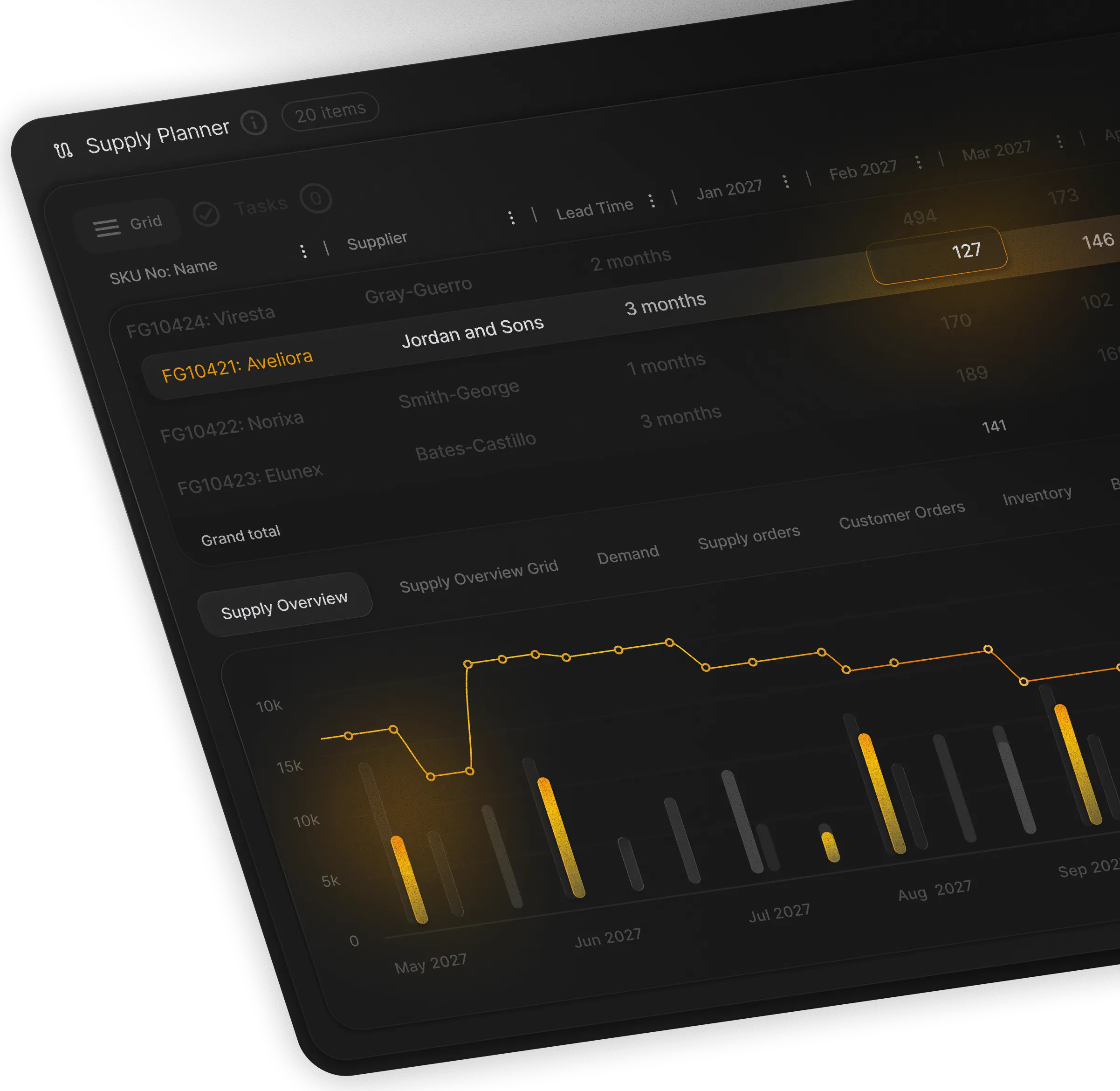
Forecast more accurately. Plan collaboratively. The ML forecast, open orders, tenders and the commercial plan come together in one demand plan, and supply planning runs on that one number.
First thing Monday, see what moved
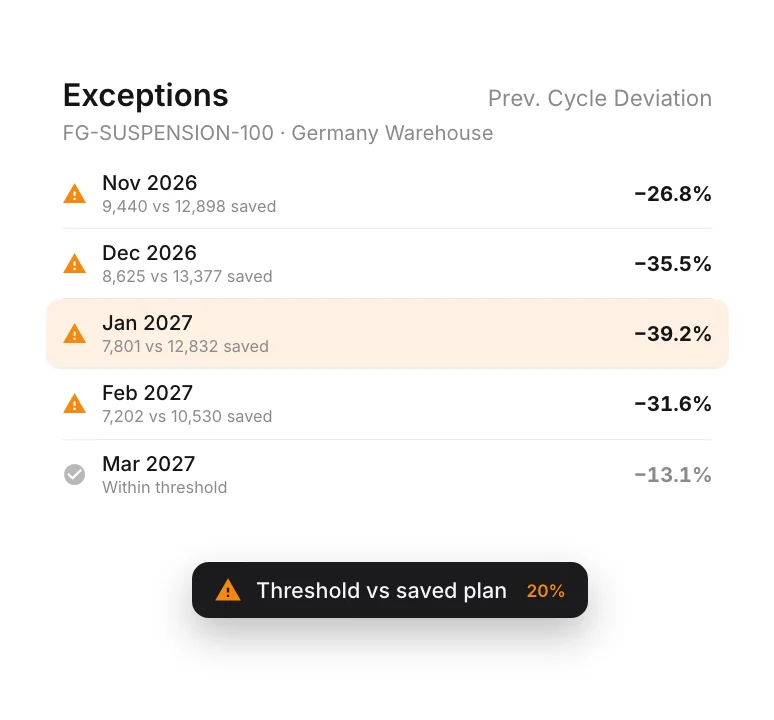
Before anyone opens the grid, PLAIO has already flagged whatever drifted from last cycle's plan.
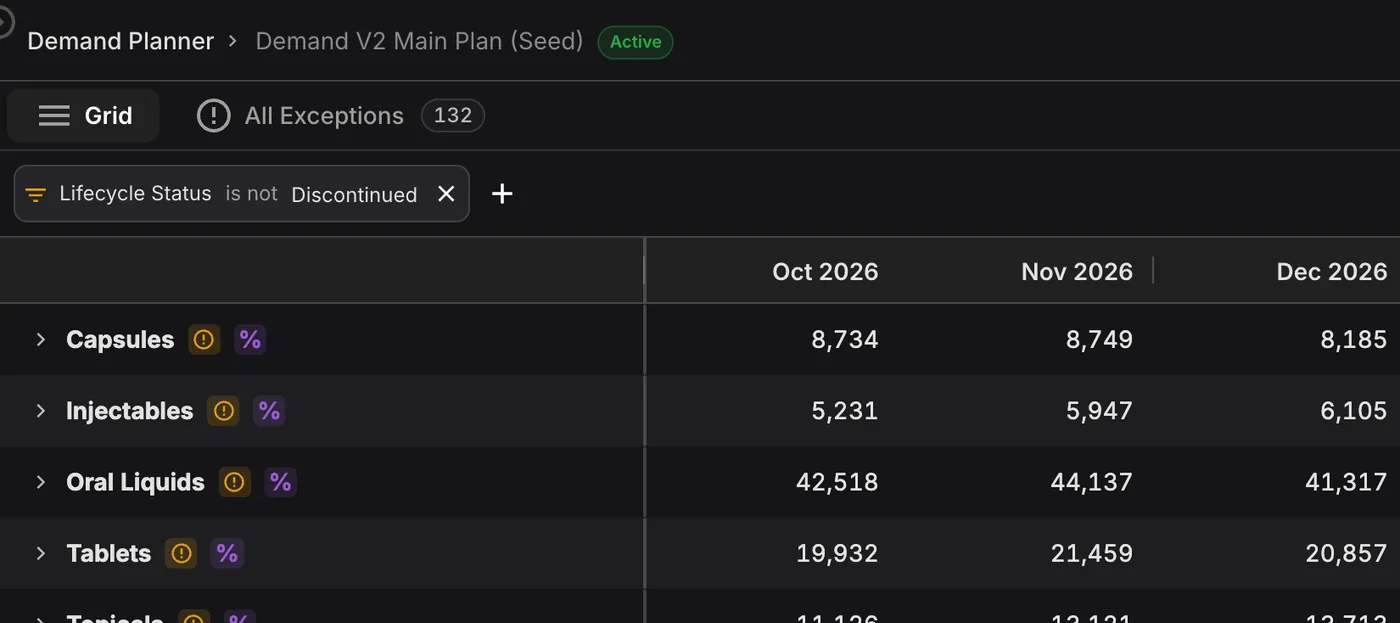
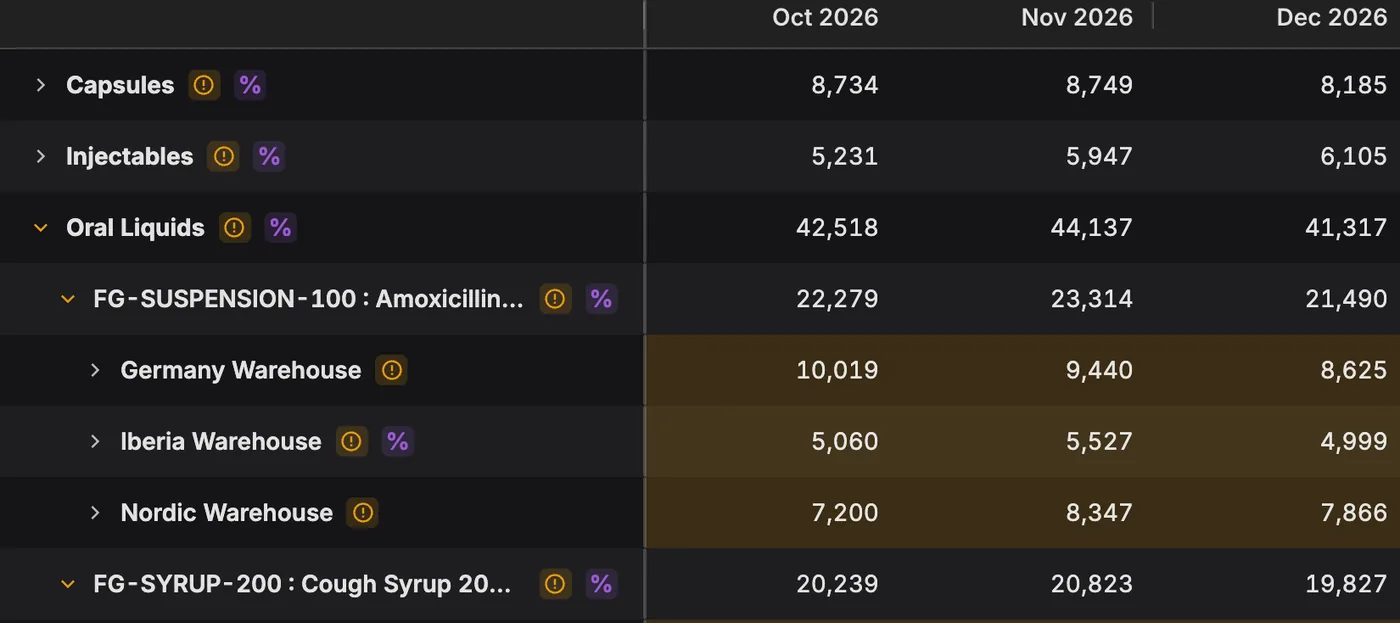
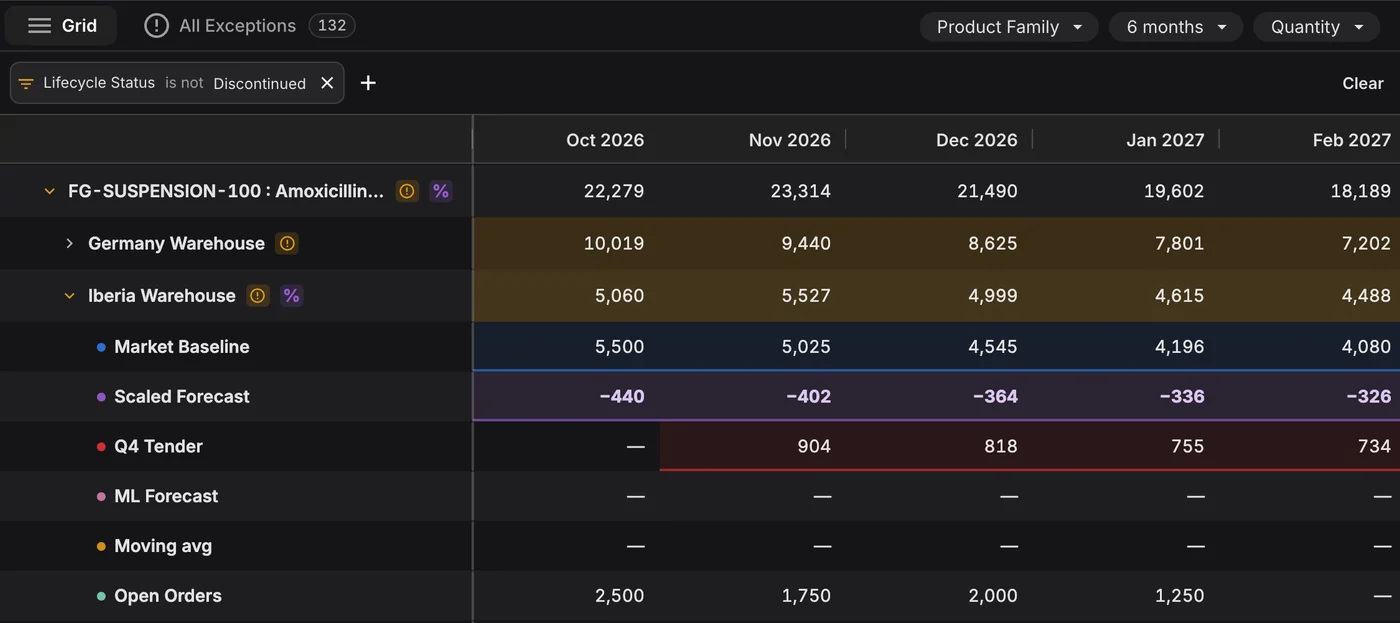
In most planning teams the statistical forecast sits in one file and the commercial plan in another. The tender arrives by email. Someone merges them by hand every cycle, and when the merge goes wrong you find out later, as a stockout or a write-off. The Demand Builder does that merge inside PLAIO, and its result is the number supply plans against.
The base can be the machine learning forecast, a moving average, open sales orders, a commercial plan your team uploads, or demand lines you create yourself. You might use the ML forecast for the next six months and your commercial plan after that. Set the base once for the whole plan. Make-to-order items can have their own, and one product at one location can be overridden.
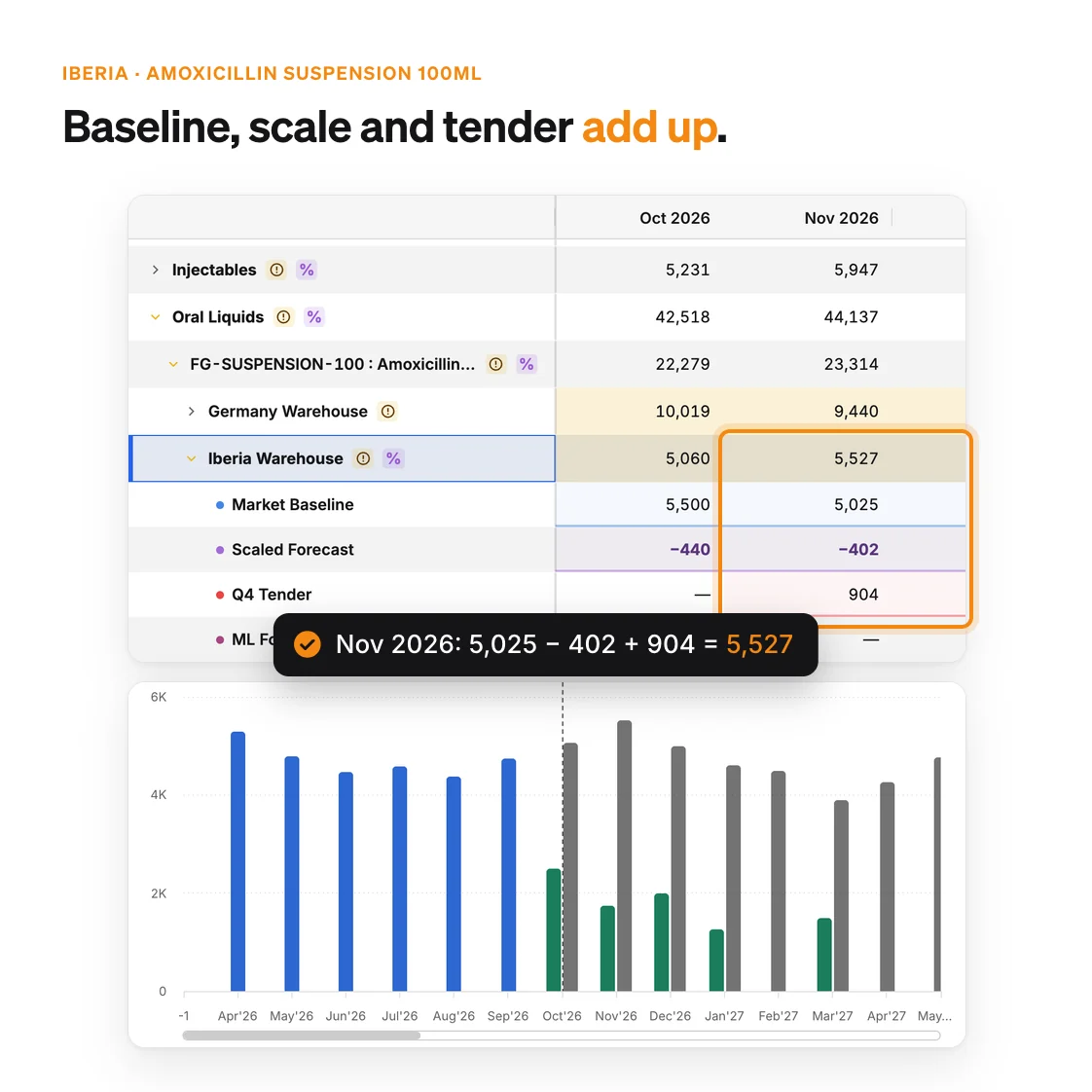
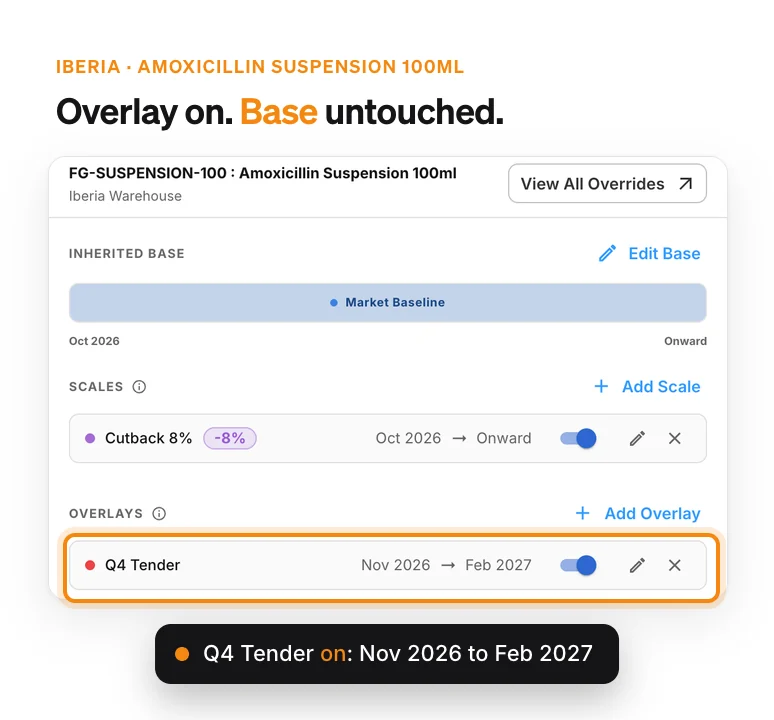
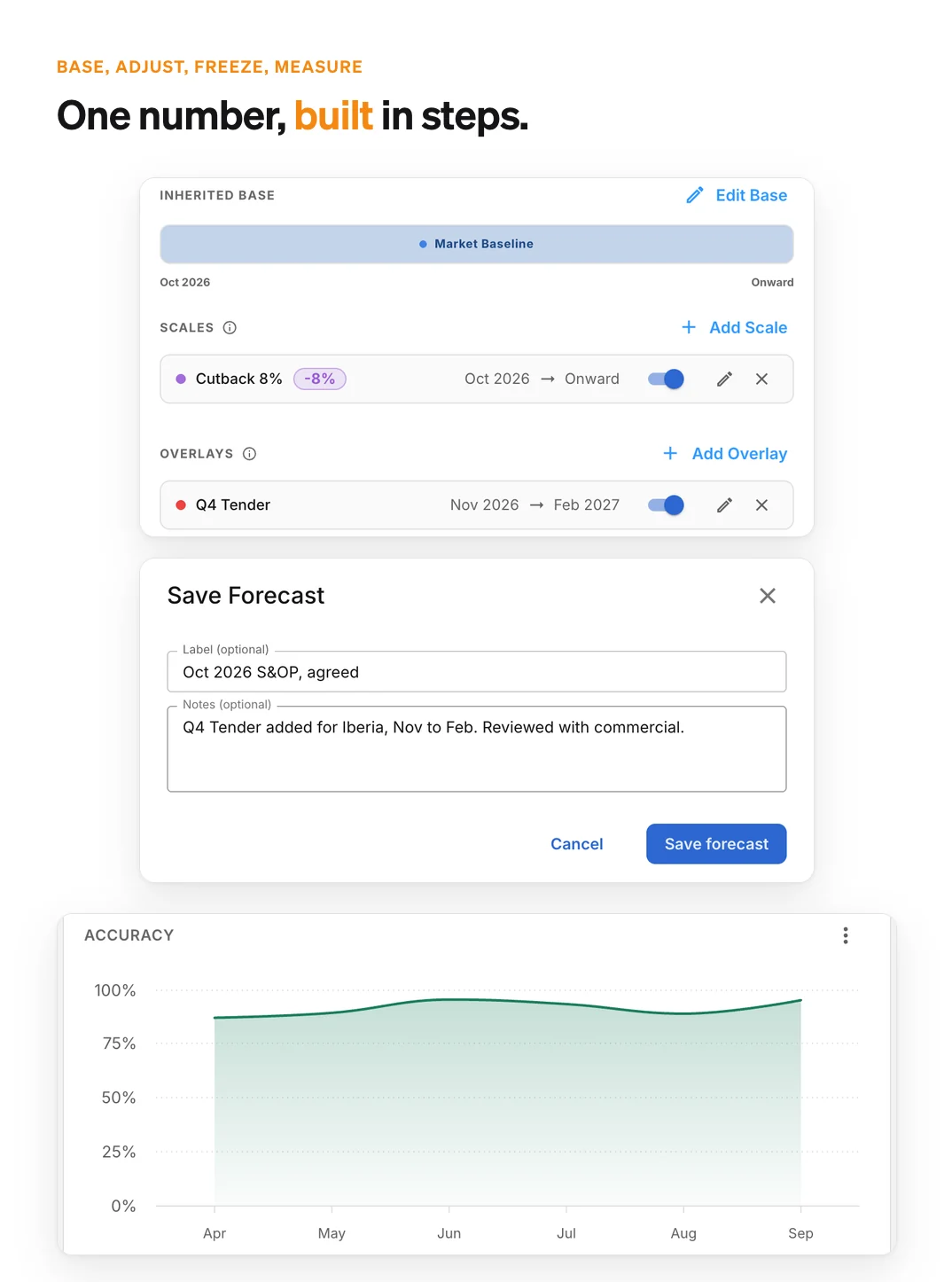
On top of the base you can add a percentage scale, up or down, and overlays for something like a tender or a launch. An overlay only touches the months it covers. Everything rolls up by product family, location or item, in units or in value, and each product and location keeps its lifecycle status (Live, Phase-in, Phase-out or Discontinued).
Supply planning reads the Demand Builder's result directly. If a launch slips, you edit one line and the supply plan picks it up. Nobody has to re-cut a spreadsheet and mail it round.
PLAIO compares the live plan with the last saved version. Anything that moved more than your threshold (20% unless you change it) gets flagged, so a big swing in one market comes up in the review. Better there than after supply has already ordered.
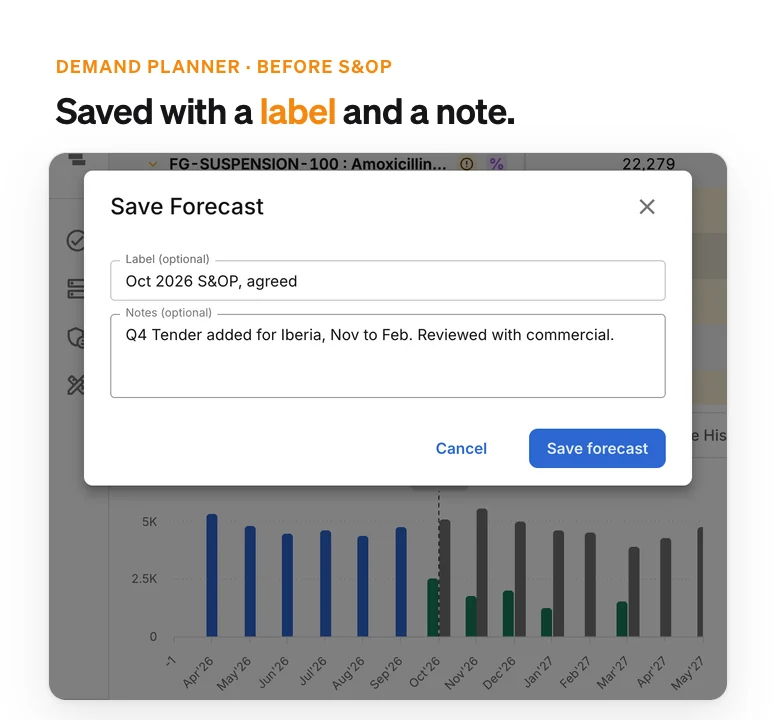
Save a forecast with a label and a note saying what changed and who reviewed it. PLAIO also keeps a snapshot every month. When S&OP or an auditor asks what moved since the last cycle, you can show them.
A tender gets its own demand line on top of the base, covering only its months. Launches and market estimates work the same way. Lose the tender and you switch the overlay off. The base was never changed.
The machine learning forecast learns from your monthly sales, item by item and location by location. It picks up seasonality and trend, and it starts forecasting from an item's first month of sales. Where it does well, make it the base. Where it doesn't, use something else.
Clone the active plan into a scenario and change whatever worries you, say a lost tender or a launch that slips a quarter. The active plan doesn't move. If the team agrees with the scenario, make it the active plan and supply planning follows.
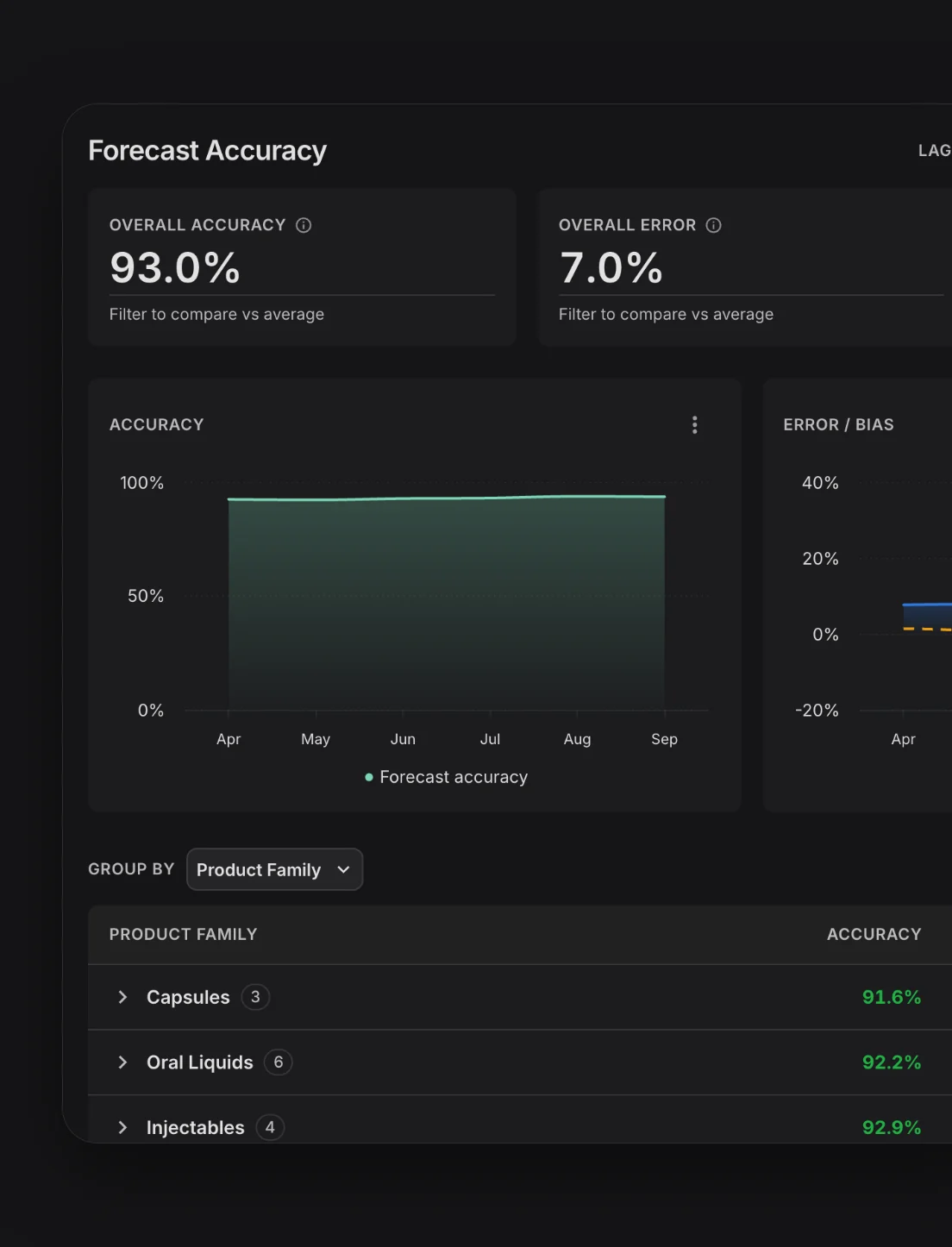
PLAIO measures accuracy, error and bias against actual sales at any lag from 1 to 12 months, by product family, location or item. The worst performers are listed first, which is usually where a forecast review ought to start.
If you know where the forecast runs high and where it runs low, you can fix the cause. The usual alternative is more safety stock, which ties up cash and sometimes expires on the shelf.
To enhance your experience on our site and to analyze traffic, we use cookies. By clicking "Accept All," you agree to the storing of cookies on your device for analytics purposes. You can manage your settings or learn more in our Privacy Policy.
Manage SettingsWe use cookies to improve your browsing experience and analyze how our website is used. These cookies allow us to understand trends, monitor website traffic, and gather insights to make the site better for you.
We respect your privacy and are committed to transparent data usage.
Necessary Cookies: These ensure that the website functions properly.
Analytics Cookies: These help us track site traffic, user behavior, and performance metrics. The data collected is anonymous and allows us to continuously optimize the site.
Preferences Cookies: We may use cookies to remember your preferences and tailor your experience.
Marketing Cookies: We may use cookies for marketing purposes.
By clicking "Accept All," you consent to the use of all cookies. If you prefer, you can customize your choices and opt out of certain cookies. You can learn more about how we handle data and cookies in our Privacy Policy.