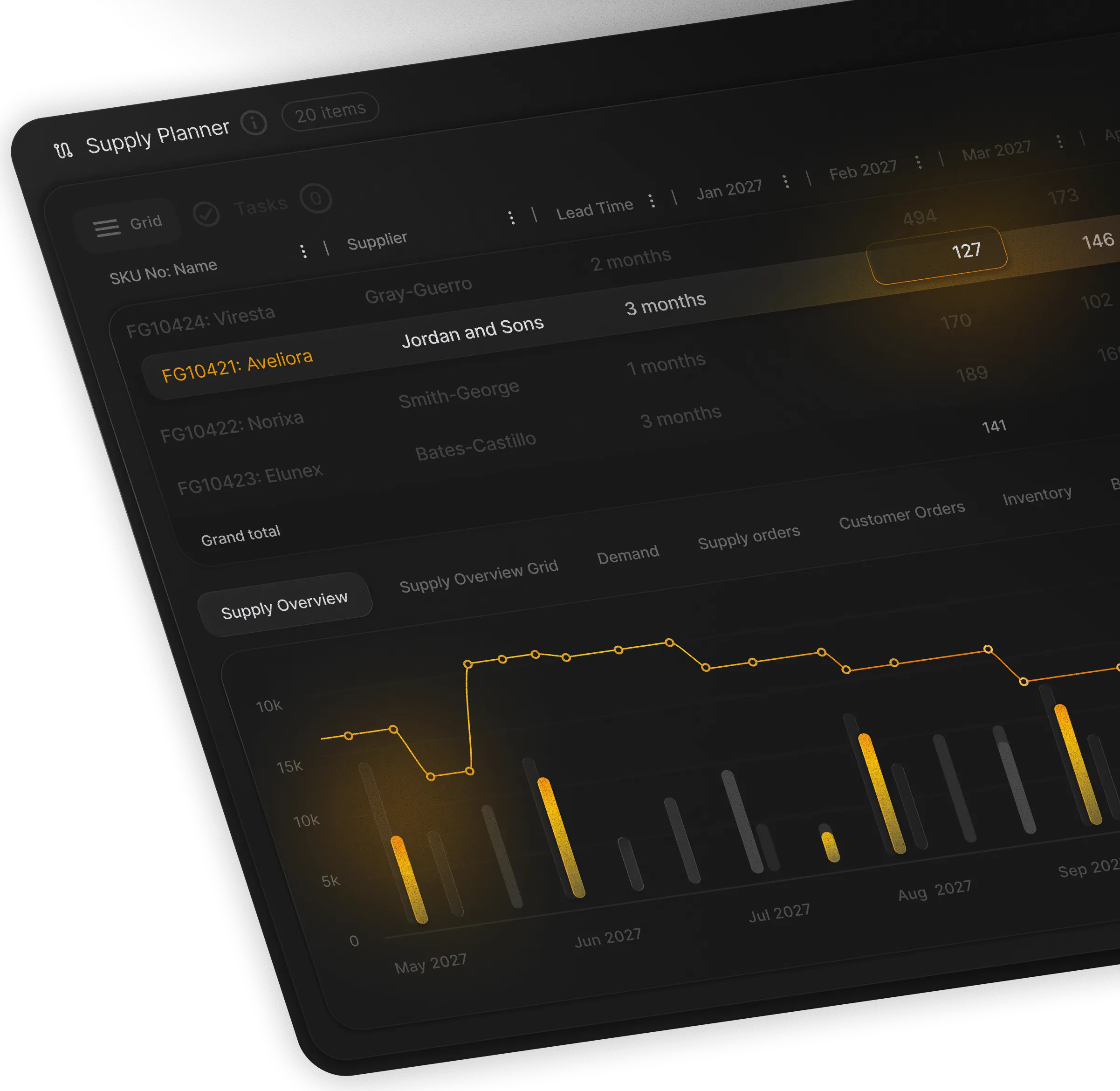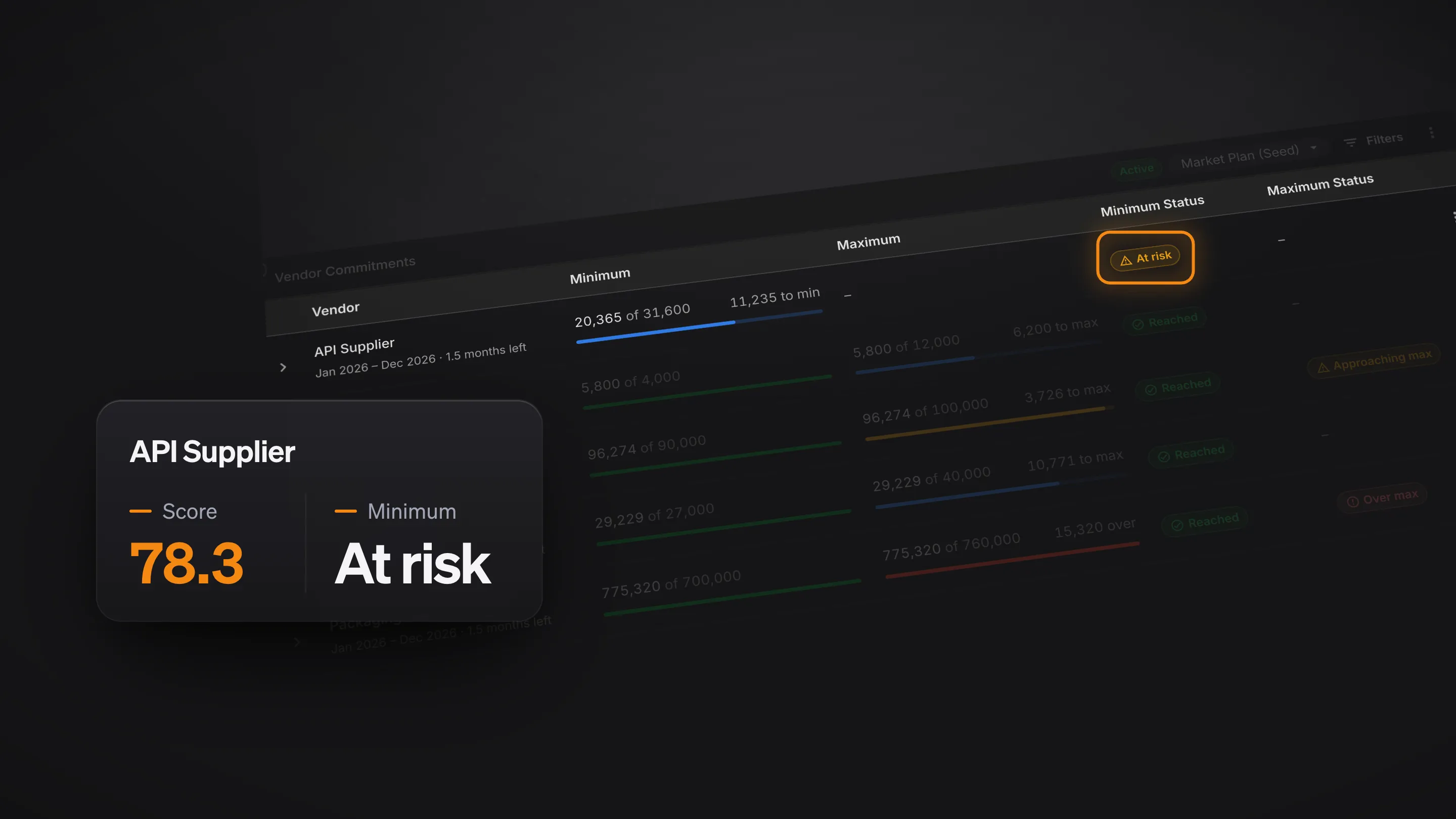


PLAIO is excited to introduce Vendor Management, a new section in PLAIO Supply. A supply plan depends on vendors delivering what you planned, when you planned it. Vendor Management shows how each vendor performs, what you have committed to buy from them, and how much they can supply, next to the plan that relies on them.
Vendor Performance: every vendor, scored automatically
Every vendor is scored on how reliably they deliver: on time, in full, and within the lead time they promised. In one central place, you see your most reliable vendors at a glance, and unreliable vendors stand out before they put your plan at risk.
Open any vendor to see how their score has moved month by month and which items run furthest past their lead time. Go into your next supplier review with the facts, and plan on the lead times your vendors really deliver.
Vendor Commitments: keep purchase agreements on track
If you have agreed a minimum or maximum purchase volume with a vendor, PLAIO tracks your progress through the period, counting the orders you have placed and the orders your plan suggests. You get an alert when a minimum is at risk or a maximum is close, while there is still time to adjust.
Vendor Capacity: see overload before you order
Record how much each vendor can supply per month, and PLAIO shows how much of that capacity your plan uses. Months over capacity are flagged, so you can move or split orders before the vendor tells you it cannot deliver.
Plan together, with confidence
Supply chain planning works only when every partner works together. With PLAIO, vendor performance, commitments and capacity sit right next to your supply plan, so you no longer pull numbers from ERP exports and spreadsheets and reconcile them by hand. Scores update as deliveries come in, and commitments and capacity update with every MRP run. Run a scenario to see how a change in demand or sourcing moves your vendor commitments over time, and make every sourcing decision with confidence.
How to get it
Vendor Management is available now for PLAIO Supply customers. Contact your Customer Success Manager to switch it on.
Not a PLAIO customer yet? See how Vendor Management works, or book a demo to see it in action.